


A huge thank you to all paid subscribers and many thanks also to those who bought me a coffee. Taming the Trunk is 100% reader supported, no ads or commission links and your support is really appreciated.
This week on Ask Me Anything about Evernote we have a question from Des.
If you have a question you’d love an answer to then leave it in the comments below and I’ll add it to the list.
Des asks
I work with a lot of Word documents and want to import the contents of the document instead of just attaching the file. How do I do this?
Thanks for the question, Des and this is totally possible, but you need to use the import function in the settings.
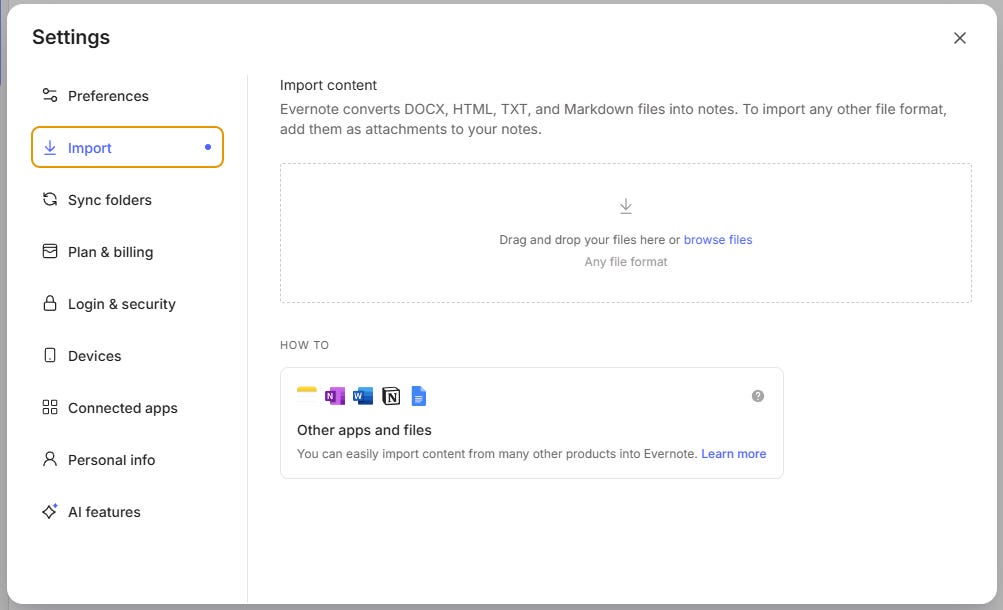
Just drag your Word doc into the big box in the middle and the contents of the Word document will appear as a new note in your default notebook.
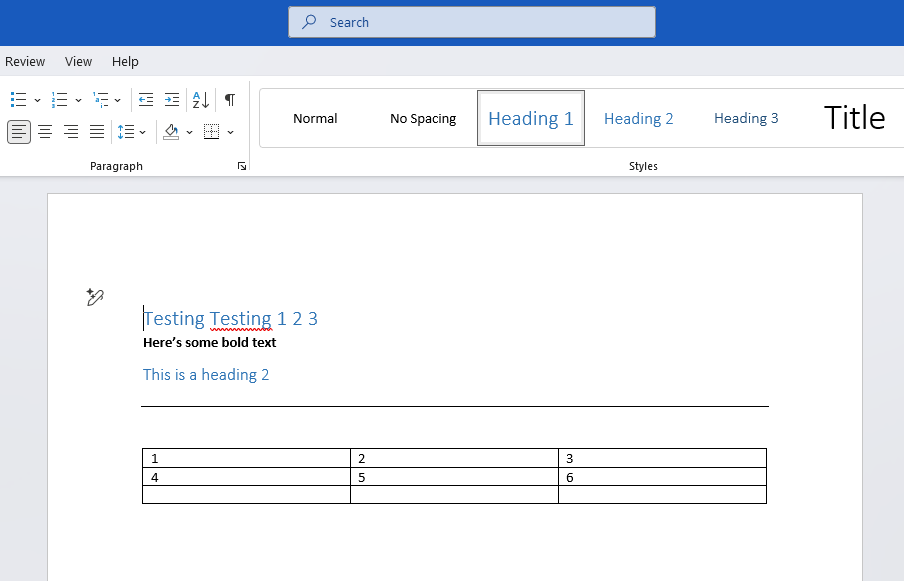
This is what my Word doc looks like.
This is what the note in Evernote looks like after the import.
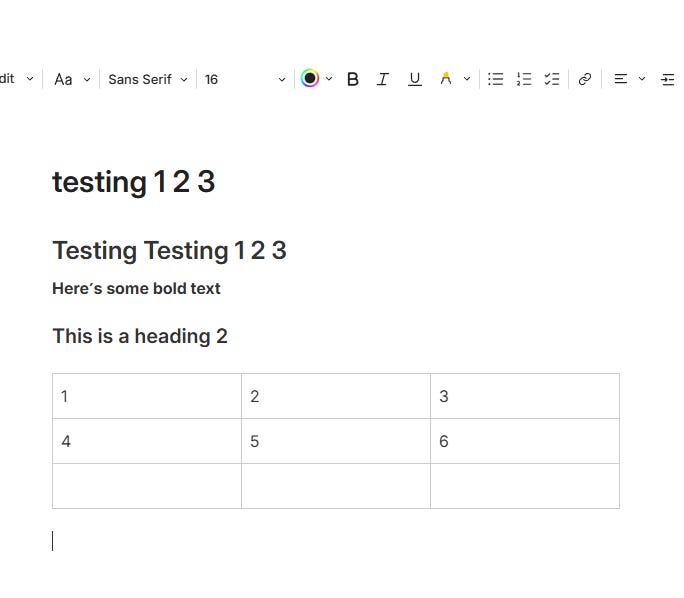
This is the only way to get the contents of the Word document into a note.
If you’ve been dragging a Word document into a note or using the File -> Import function, then this just imports the file as an attachment and both of these options work slightly differently.
If you drag any file into a note, it just appears as an attachment.

If you use File -> Import then you can import multiple files at once and they can be different files so you can mix ‘n’ match documents and images.
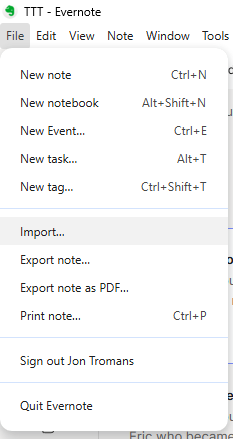
What happens is Evernote created a new notebook with the prefix (Imported) and each file appears as an attachment in a separate note.
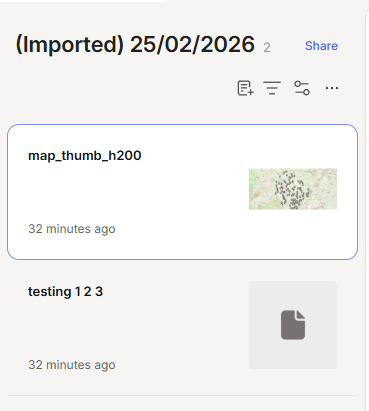
You can then organise things how you want them.
Thanks for the question Des and I hope this helps.
If you have a question, then leave it in the comments below.
Have a great rest of the week
All the best
Jon
I'm one of those strange people who still uses WordPerfect (why? The answer is in the title). I am accustomed to writing, or transcribing and editing a newspaper or magazine article in WP. If I want to save it in EN, I copy (or cut) and paste it into a new Note. I just wrote two sentences in Verdana and Lucida Handwriting - and EN changed them both into standard EN text. No big deal.
Thanks Jon. Any difference between importing a Word document the way you describe, and copying and pasting the text into a note (other than convenience if it's long)? Better format retention perhaps?