


A huge thank you to all paid subscribers and many thanks also to those who bought me a coffee. Taming the Trunk is 100% reader supported, no ads or commission links and your support is really appreciated.
This week on Ask Me Anything about Evernote we have a question from Allie.
If you have a question you’d love an answer to then leave it in the comments below and I’ll add it to the list.
Allie asks
New Evernote user here. I’ve heard you can email notes into Evernote but I can’t find anything in settings. Can you help?
Yes, I can and welcome to the herd!
So, you need to find your Evernote email address and you then send or forward emails to this address and they end up in the app.
I must admit it’s not 100% intuitive on where to find the email address. Its not in settings.
If you’re in the desktop app, the quickest way to find it is to go to Tools -> Account Info in the top menu bar.

This opens up a web page and scroll down a little and you’ll see the email address you use for emailing in notes.

Copy this email address and add it to your email software’s contact list.
If you’re using the web version of Evernote head to Settings -> Personal Info -> Go to your profile.
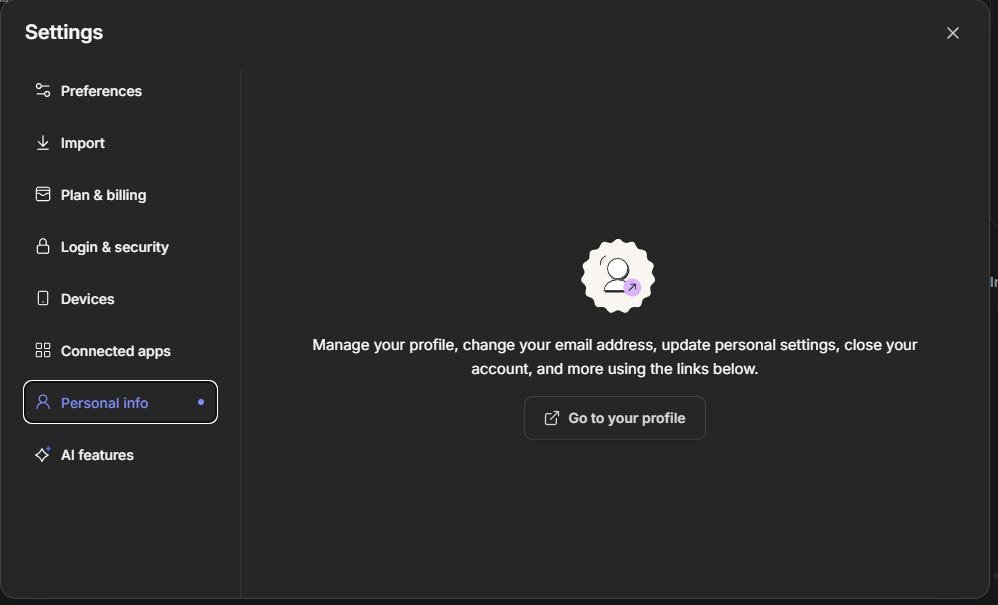
This will open up the new designed account pages and you can find the email address near the bottom.

If you’re on mobile, then tap your avatar at the top left of the screen and head to Settings -> More Settings -> More Settings and a page will open up in your web browser that has the email address near the bottom.
As I said, not 100% intuitive. It would be nice to just have it displayed in settings.
Now you’ve got this email address you can send or forward emails into Evernote and they arrive in your default notebook.
But, you can change the location.
If you add @notebook-name to the end of the subject line then it will go into whatever notebook you want.
If your add #tag-name at the end of the subject then the note will be tagged when it arrives in Evernote.
If you add !YYYY/MM/DD at the end of the subject then a reminder is created for that day.
You can combine any or all of these into the email subject line like this.
Electric Bill !2026/04/01 @Bills #Pending
The body of the email becomes the body of the note including any attachments like PDFs.
This subject line would create a note with the title Electric Bill with a reminder on 1st April 2026 in the notebook called Bills with the tag Pending.
Another cool feature is the ability to append an email to an existing note.
Just use an existing note title in the subject line and add the + symbol at the end.
This will add the body of the email to the bottom of the note.
Quick note. If that particular note is currently open in Evernote it may not work as the note would be locked, you’d need to flip to another note.
I email into Evernote loads. I’ve setup my CRM and Invoice software to auto email things into Evernote and I have some quick actions setup in my Email client to forward emails into specific notebooks.
I use EM Client as my email package and I can setup quick actions.

I just select one of these and it forwards the email into the correct notebook or space.
Thanks for the question Allie. I hope this helps and welcome to Evernote.
If you have a question that you want answering, leave it in the comments.
Have a great rest of the week
All the best
Jon
I use the "email to Evernote" feature a lot and it is great.
I did not know we can "add to an existing note", it is something I used to do manually, keeping track of chains of emails by merging notes. But I must be doing something wrong because I tried it and it did not work, I don't know why. Just using the note title as the email subject, with a "+" at the end? Just did a bunch of them, creating a bunch of new notes.