

A huge thank you to Jonaz and Eric who became paid subscribers over the last week and many thanks also to those who bought me a coffee. Taming the Trunk is 100% reader supported, no ads or commission links and your support is really appreciated.
Newsletter housekeeping: The latest version for PC & Mac is 11.4.3. You can grab it from the download page. Latest mobile version is 11.4.2.
I was speaking to someone the other day who told me they were fully digital, no pen or paper at all and it got me thinking about the way I use paper and digital together and I discovered I use them for very different things.
I’ve tried to go fully digital a few times but found it really difficult or I needed to take multiple devices with me so I have lots of screens.
An example of this is during the training sessions I run. I take notes on paper because my screen is running a presentation. I could use my phone for notes but maybe I’m a little old fashioned, it seems rude to be starring at a screen typing when other folk are talking to me and those folk have paid me for the training session.
So I use paper.
This week my trusty Filofax Clipbook broke after many years, the ring binder thingy just went weird and stopped closing properly so I bought a new one.
In denim!
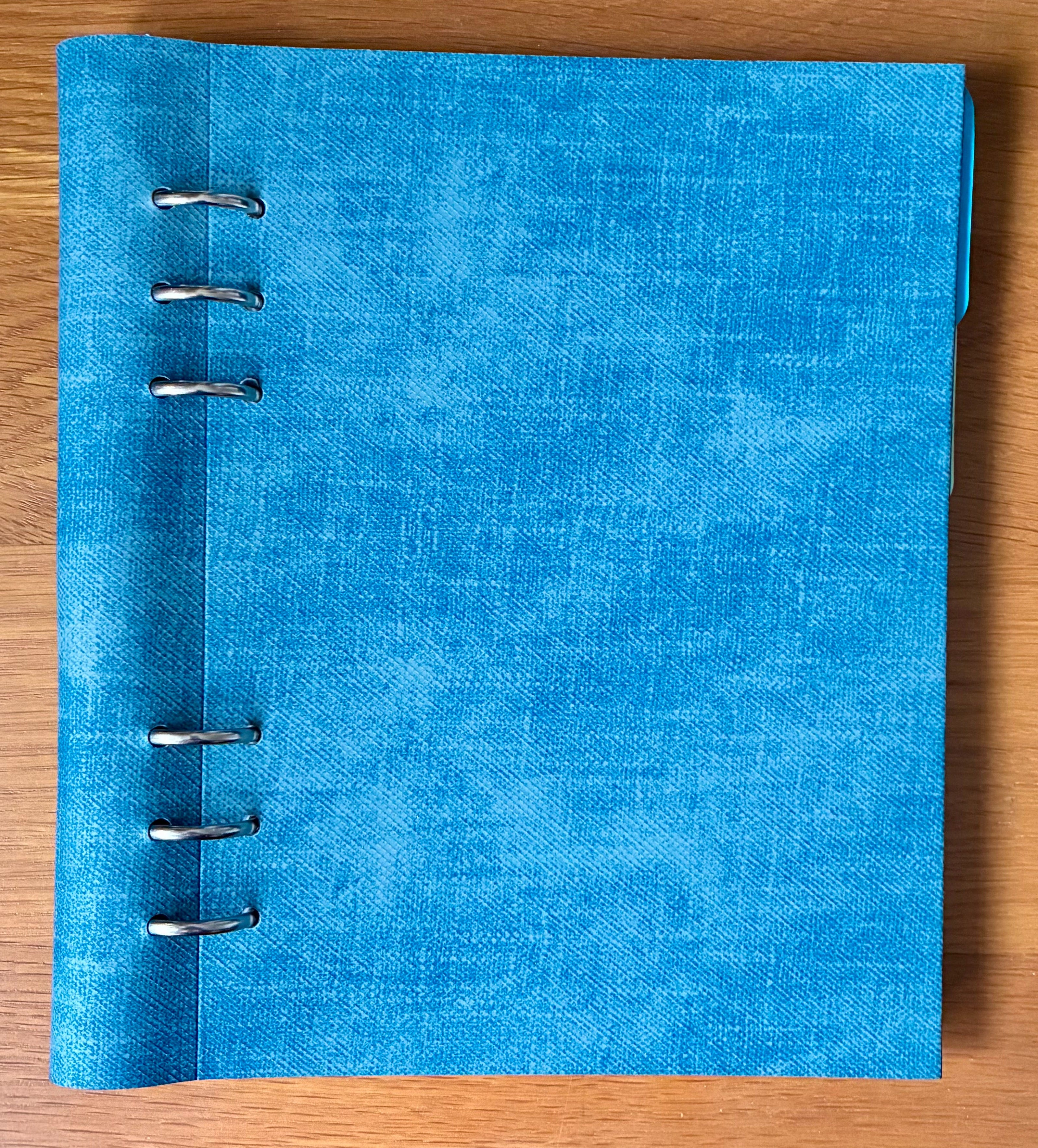
Very cool!
I’ve used Filofax Clipbooks for years and they are cheap to buy, you fill them with the inserts you want and remove pages when it gets a bit full.
I only use this as a work notebook and I scan pages into Evernote if I need to and transcribe them. I don’t have any contact inserts, daily planners or a map of the world. I use Google maps!
This book sits on my desk, it goes to training sessions with me and I take notes and write stuff down that I don’t want to forget.
I also use it for in person meetings and then scan into Evernote but I don’t use it for online meetings, I record and transcribe these just using Evernote.
I have my Clipbook split into sections. At the front are pages for my training sessions, then comes my day-2-day notes and finally some spare pages. That’s it.
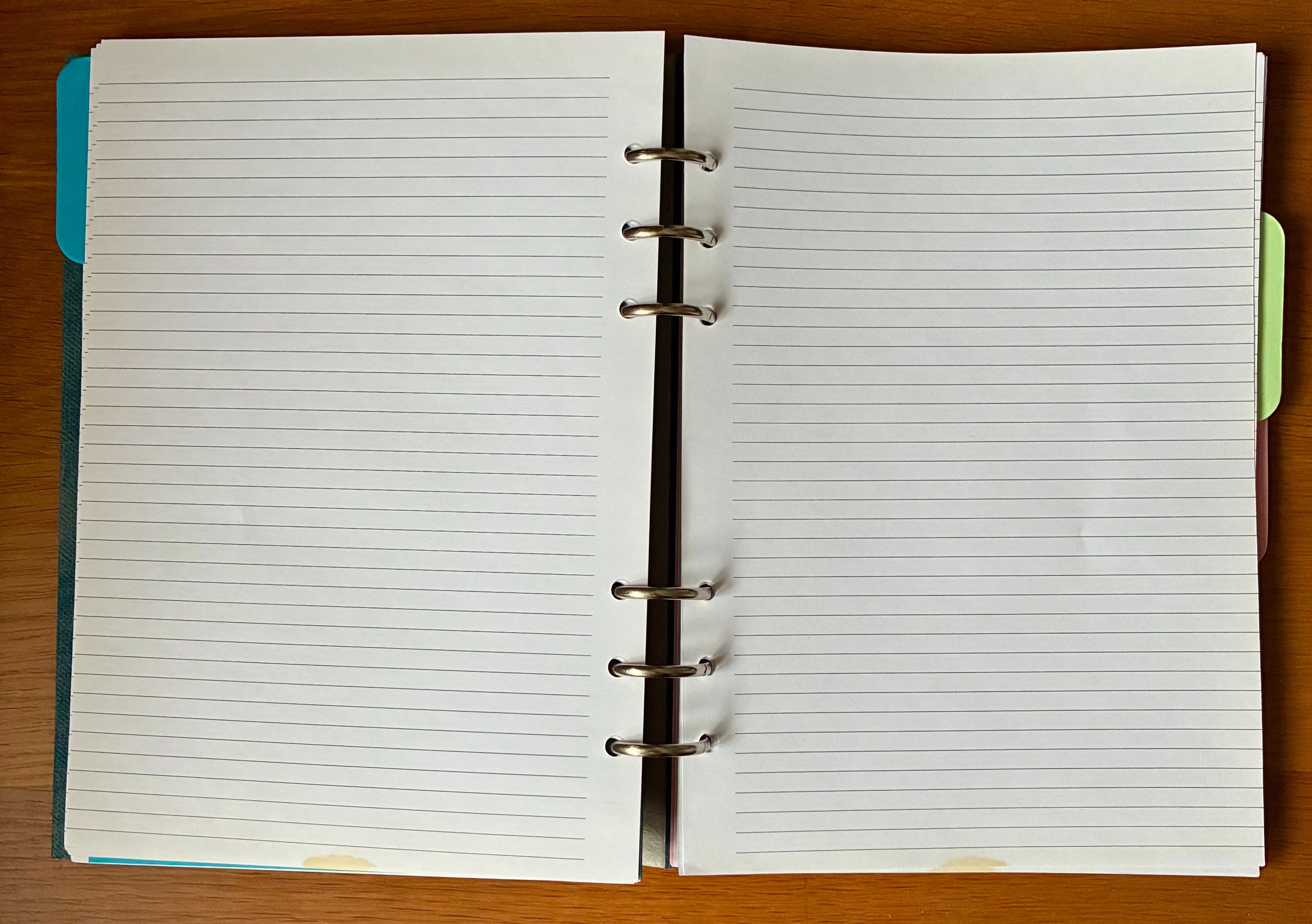
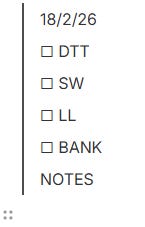
A typical daily note looks a little bit like this (mock-up), complete with coffee stain which unfortunately penetrates many, many pages!
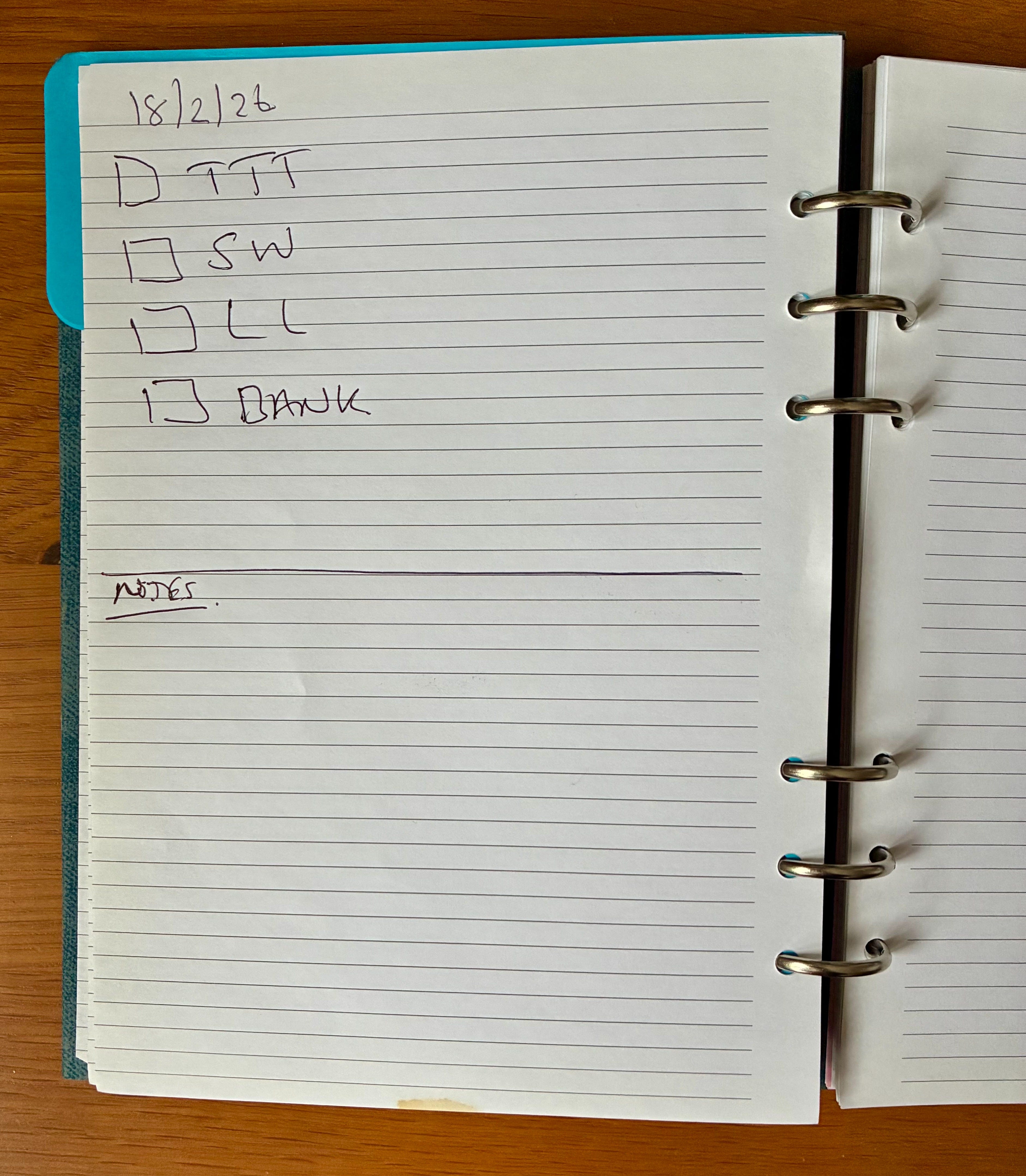
I have some big tick boxes that refer to client work I have to do that day. Just the main tasks. All my regular recurring tasks are still in Evernote.
I then have a section at the bottom of the page for basic notes. I use this to remember numbers, line numbers of code and little temporary things I don’t want to forget. Any proper notes that need to be remembered for a while go in Evernote.
I can scan and transcribe this page into Evernote.
If I’m honest, most of the time I don’t transcribe these notes, maybe for the training sessions but not for the day-2-day notes.
For me, this really is a notebook for remembering short-term things.
Regarding pens, I’m not a big pen person. I like the Uniball Jetstream 0.7mm and also the chunky Uniball Power Tank 1mm. Nice grips.
I must admit I am a big fan of Filofax and I’ve owned many over the years. A good Scottish company, there’s a ton of different inserts available and you can even buy a hole punch and make your own inserts.
I have a small pocket one that I carry around with me on a daily basis and acts as my wallet.
So, do you still use pen and paper?
What notebook do you use?
What’s your favourite pen?
And how do you use it with Evernote?
Let me know in the comments.
AI Assistant Usage appears in settings
Something new in settings has appeared.
Head over to Settings -> AI Features -> AI Assistant Usage and you’ll see how much assistant usage you have left for the month.
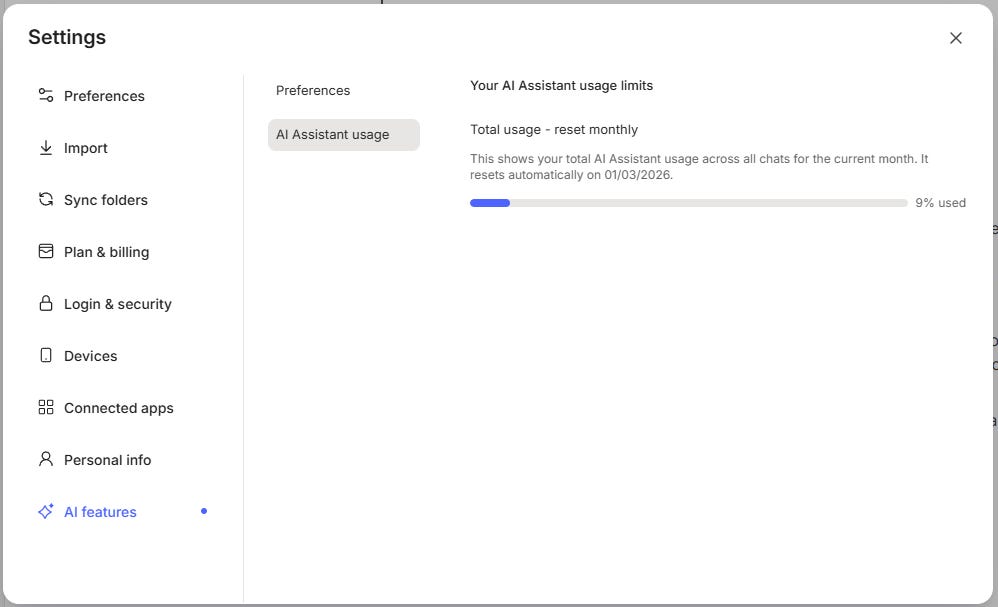
Now comes the complicated bit, we don’t know what the limit is, just that you’re creeping closer to it.
I asked the question to the Evernote team and the reason for not showing a limit is that different types of query use different amounts of your limit.
Each Evernote plan has a certain number of AI tokens available to it and we don’t know what this number is. Different types of conversations can use different amounts of tokens.
For example, I had a conversation the other day querying a meeting transcription, which was quite long. I had three or four questions and got answers, this used 1% of my limit.
I also did a bunch of research on my future Mac Mini purchase. I got Evernote to search the web, summarise information it got from the web, turn other information into tables, do some comparisons and I probably asked around 4 or 5 different questions.
This conversation used 2% of my limit, I presume more because of the web searches.
I would also imagine the more note data that’s sent to the AI might use more of the limit. Try to limit how many notes the assistant looks at by specifying years or months.
For example, only look at notes from 2018 or only look at notes in a specific notebook. I think this will help preserve tokens.
You’ll need the latest version to see the limit. Let me know in the comments what you’re at and what you think.
That’s it.
Have a great weekend
All the best
Jon
I am fully digital and use GoodNotes on my iPad. If I need to, I share the note to Evernote as an image or pdf, depending on what I need it for. I can transcribe the image if I need to. I love the note taking capabilities of GoodNotes and the organization of Evernote.
I just want to say how much I love your illustrations. Today's Shakespearean elephant is the best ever!!