

A huge thank you to Anne who became a paid subscriber over the last week and many thanks also to those who bought me a coffee. Taming the Trunk is 100% reader supported, no ads or commission links and your support is really appreciated.
Newsletter housekeeping: The latest version for PC & Mac is 11.2.1. You can grab it from the download page. Latest mobile version is 11.1.1.
Big news for transcription fans. The limit for transcribing has been increased to 2 hours.
You’ll need to be on the latest version for Mac and PC which is 11.2.1.
The old limit of one hour was one of the biggest pains of the transcription feature. A lot of meetings are one hour long and a lot of them overrun.
I had a meeting a few days ago which ended up as 1 hour 5 minutes and I couldn’t transcribe it.
I can now!
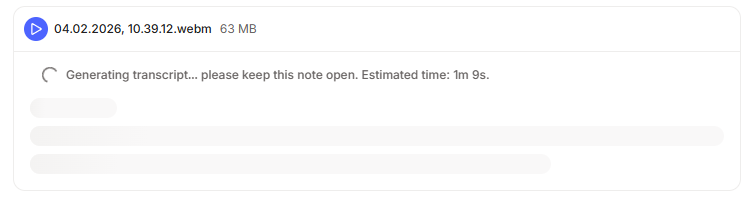
The 2 hour limit is retrospective, so if you have any old meetings over an hour, you can go back and fully transcribe and summarise them.
There’s also been a change to the file size for the audio you can transcribe. It’s now the note limit, which is 200MB. It basically means that you don’t need to worry about being over a file size limit anymore.
Another nice little touch is the introduction of “Estimated time” to transcribe information in the transcription window. You can see it in the screenshot above. This will give you an idea of how long you have to wait.
Are you happy with the improvements? Let me know in the comments.
Using the Evernote Assistant as a replacement for Google
Well, not for every Google search, but a lot of them.
When you open the AI Assistant (AIA) window, at the top is a little clock icon which shows you the history of your chats.
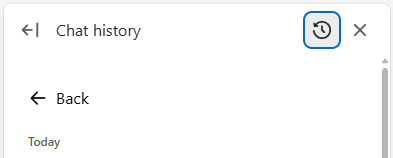
You can go back to old chats and pick up where you left off, which I’ve found really useful.
The other day I found myself looking through my old chats and discovered I’ve been using the AIA instead of Google. A lot of my chats were things I would previously done as a Google search.
I did this search.
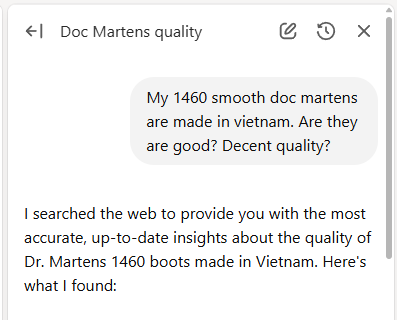
It turns out the quality is pretty good but not as good as the Made in England range, but you need to remortgage for those!
Here’s another one.
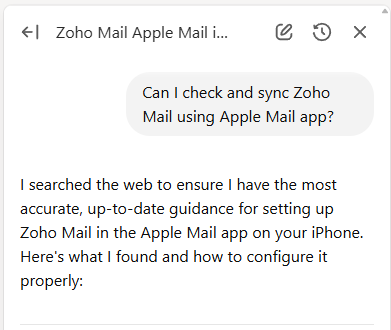
I would probably have done this search in Google and then gone to websites looking for the information. This saved so much time.
Another one.
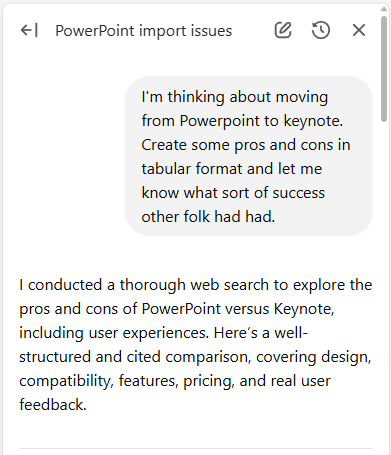
Something else I’ve found myself doing is opening up the AIA into full screen mode using the left arrow icon at the top left of the assistant sidebar.
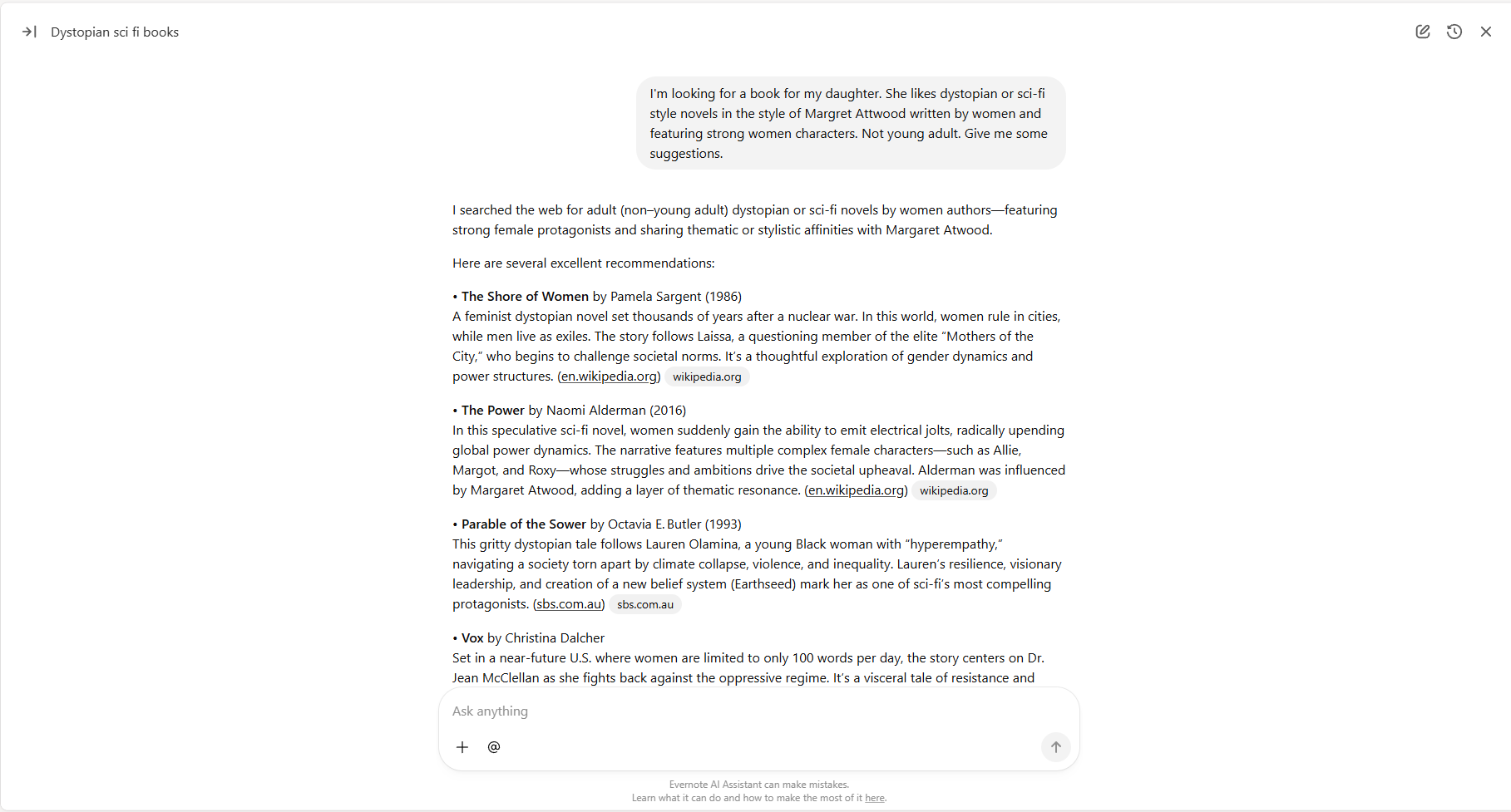
Now one important thing to mention is that none of these searches used any of my note content and I haven’t created a note after performing the search.
With the book search above, I just went to the source links, read a bit more and ordered a couple of books. No notes were created.
One other important thing to mention is that you need to tell the AIA to do a web search.
Click the + icon to the left of the prompt window and you’ll see web search.
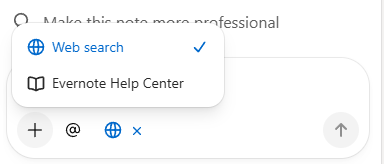
When the search is activated you’ll see a little blue world icon appear.
Now you just type in your search and the AIA will use the knowledge of ChatGPT and also go out to the internet in general and find answers for you.
Here’s one final search I did which helped me find out how to add images to the IA Writer app.
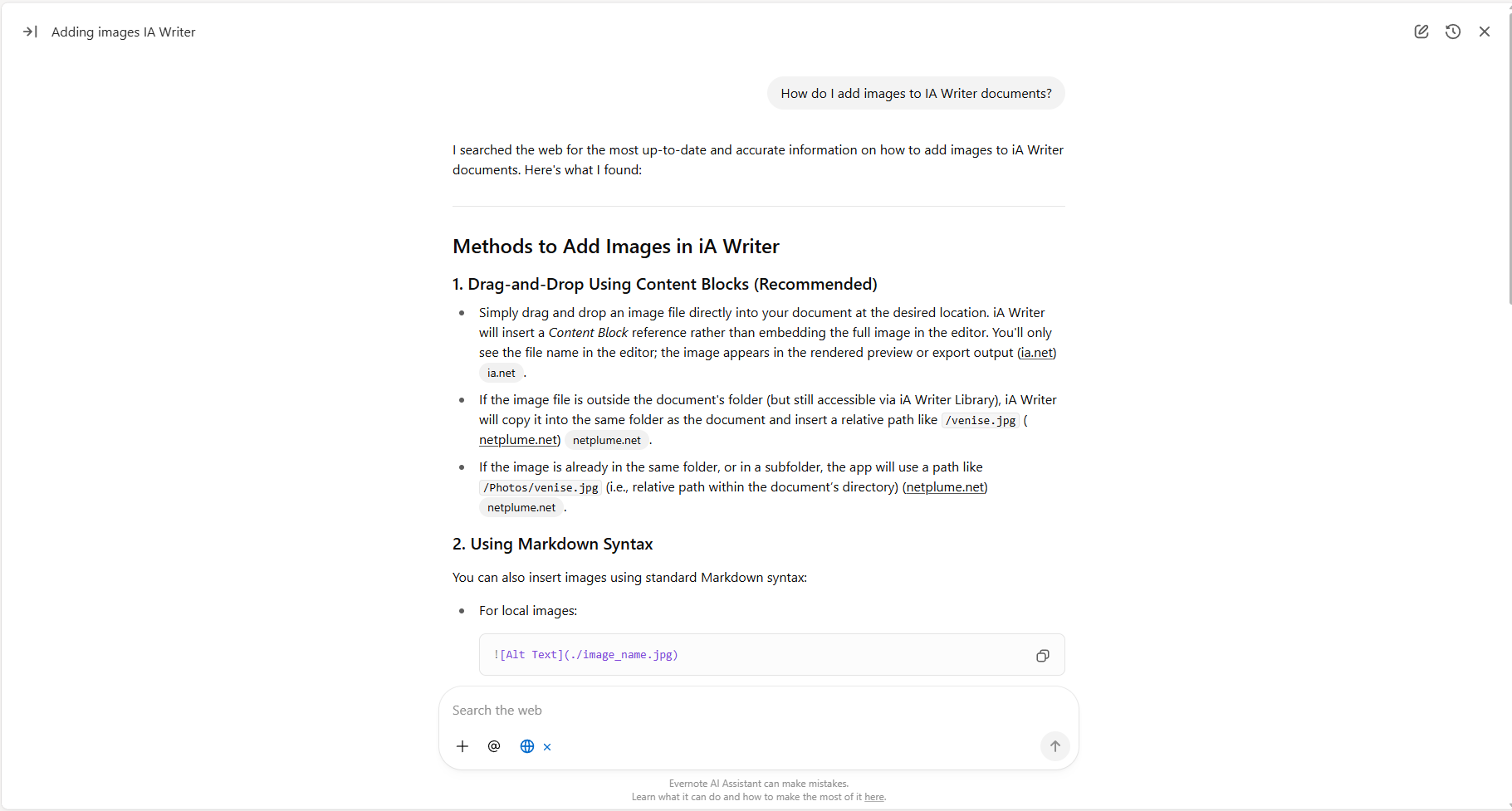
Now, I understand this is not going to completely replace Google. It doesn’t do real time searches like currency conversions or find the latest news articles about something, but it is very helpful.
There’s always the choice to make a note out of the answers as well.
Don’t forget the AIA can act as a bit of a dictionary, can answer simple questions like what’s the capital of Spain or this one.
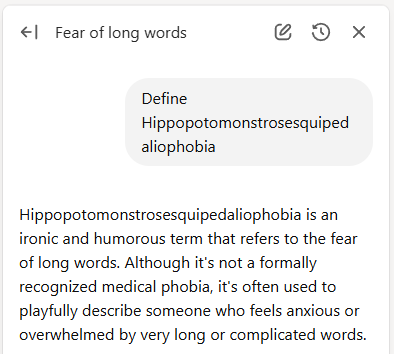
Are you using the AI Assistant for general searches? Do you still go to the ChatGPT app or Google for simple searches? Let me know in the comments.
Have a great weekend
All the best
Jon
Very informative again, thanks Jon!
and I would definitely replace PowerPoint by Keynote 😉
Another transcription annoyance, that doesn't seem to have been fixed in the latest update:
* EDITING IDENTIFIED SPEAKER NAMES
When clicking the speaker placeholders (Speaker 1 etc) to edit, the placeholder text shows as selected, but when I start to type it tacks it on at the end of the placeholder text instead of replacing the selected text.