


A huge thank you to all paid subscribers and many thanks also to those who bought me a coffee. Taming the Trunk is 100% reader supported, no ads or commission links and your support is really appreciated.
Newsletter housekeeping: The latest version for PC & Mac is 10.141.5. You can grab it from the download page. Latest mobile version is 10.141.1.
The wait is over. It seemed like 88 years of waiting, but it’s here.
Version 11 of Evernote is ready for everyone.
How to get version 11 of Evernote
The easiest option is to wait for your app to update. This usually takes around 3 - 5 days and you’ll see a notification in the sidebar like this.
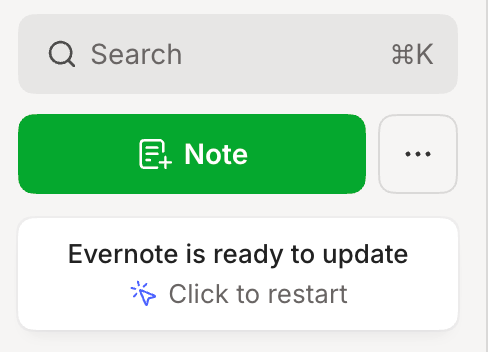
If you want the update right now then head over to the Evernote download page and grab the installer. This works for Mac and PC and you can just run the installer to get the latest version.
What plan do I need?
Any plan will do. Version 11 is out for all of them.
The AI Assistant, Semantic Search and AI Meeting Notes are out for all plans right now but in the future, I would imagine the free and lower plans will have some limits.
AI Assistant
This is the big new feature for version 11. You can chat with your notes, do research and add content to your notes.
It works similar to other AI tools where you chat in natural language.
To interact with notes, notebooks, stacks and spaces use the ‘@’ symbol and start typing. Your note/notebook/stack/space will appear in a drop down list.
Here’s my deep dive article to help you get used to it.

Semantic Search
This is a pretty big improvement to Evernotes search functionality. You no longer need to do keyword searching. Semantic Search looks at related notes and surfaces them in the search pop up window.
For example if you search for the word ‘invoice’ you’ll also get results for ‘receipt’ and ‘bill’.
The normal search results work as before. This is an extra.
Don’t forget to hit enter after typing in your search term for the note list of search results, you can filter them how you want.
Another improvement to search is the quick answer box. If you ask a specific question then Evernote will look for the answer to it.
I’ve written quite a bit about the new search, so take a look at these articles to learn more.


AI Meeting Notes
A very cool new feature that I’m using quite a bit.
Pretty much all my meetings are now recorded in Evernote, transcribed and summarised.
Again, I’ve written a few articles about how to use the AI Meeting recorder, so take a look at the following articles.


Can I switch off the AI features?
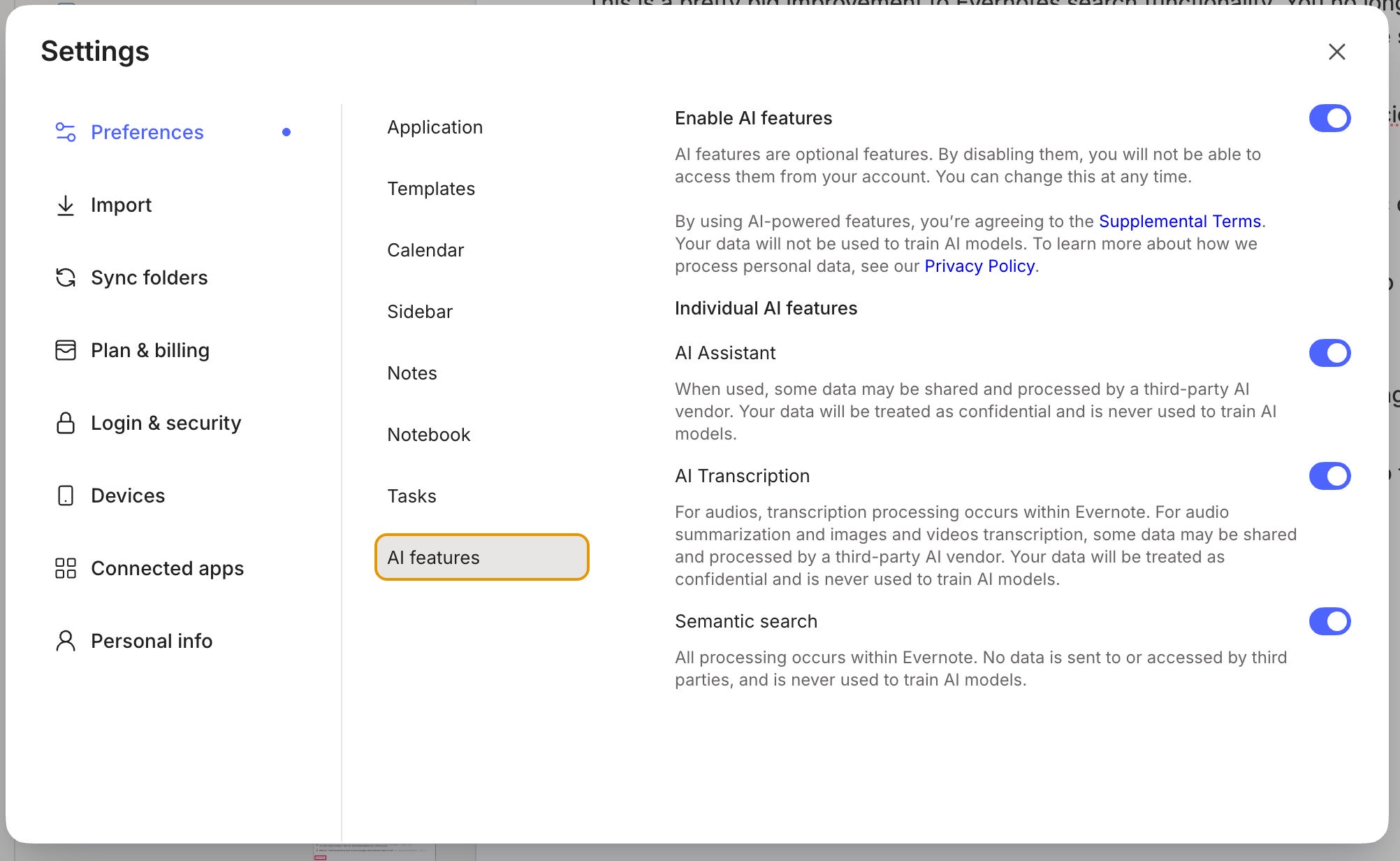
Yes, you can. You can switch off all or some of the new AI functionality.
Head over to Settings -> Preferences -> AI Features and toggle things on or off.
So, what do you think?
The AI Assistant takes a bit of getting used to. I’ve found it useful for research and expanding my notes. Don’t forget ‘@’ for picking specific items to work with.
Semantic search is good and I like the AI quick answers.
The AI Meeting Notes feature is very cool, but I’d like longer recording and transcribing limits.
What do you think? Have you had a play yet? Leave me a comment below.
Don’t forget to leave any questions you have for future Ask Me Anything (AMA) posts.
Have a great rest of the week
All the best
Jon